Homesite Premiums and Design Center Upgrades: What’s Worth Paying For
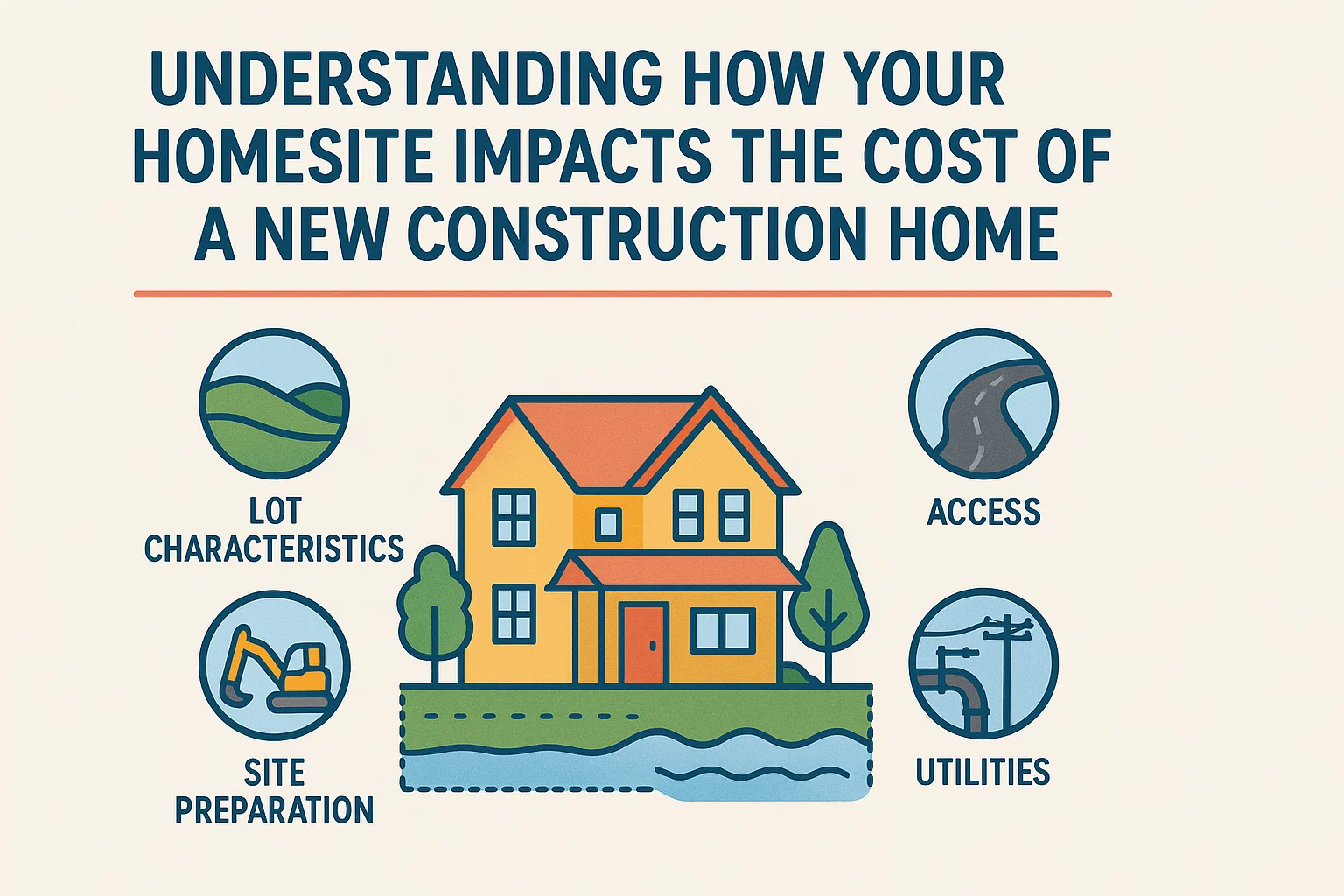
The base price on a builder’s website is rarely what a new home ends up costing. Two things add to it before you close: the lot you choose and the options you pick at the design center. Together they can add tens of thousands of dollars, and both are decided early, often within weeks of signing your contract.
This guide explains what a homesite premium is and when it’s worth paying, how design center appointments work, which upgrades to choose during construction and which to skip, and how all of it affects your loan and your appraisal.
What is a homesite premium?
A homesite premium, also called a lot premium, is an extra charge on top of the base price for a lot the builder considers more desirable than its standard lots. Not every lot has one. In most communities, a set of standard lots carries the base price, and premiums are added for lots with better views, more privacy, more space or a better location within the community.
On a quick move-in home, the premium is already built into the price you see. With a resale, the value of the lot is simply part of the listing price, so you rarely see a separate number. It’s only when you buy a to-be-built home that the lot shows up as its own line item.
Common homesite premiums in South Florida
| Lot feature | Why buyers pay more | What to check first |
|---|---|---|
| Lake or water view | The view is the most popular premium in many South Florida communities. | Community lakes are usually part of the stormwater system, not for swimming. Check the flood zone, lake bank maintenance rules and whether you can fence the yard. |
| Preserve or no rear neighbors | Privacy, with green space behind the yard that won’t be built on. | Confirm in writing that the land behind you is a recorded preserve or open space. |
| Oversized, pie-shaped or cul-de-sac lot | Room for a pool, a bigger lanai or a play area, and less traffic. | Easements and setbacks can limit where a pool or fence can go. |
| Corner lot | A larger side yard and more light. | More sidewalk and lawn to maintain, and more passing traffic. |
| Backyard orientation | A north- or east-facing backyard gets shade in the afternoon. | A west-facing backyard gets the hottest sun, which matters for a pool deck or lanai. |
| Near the amenity center | An easy walk to the pool, gym and clubhouse. | More noise and foot traffic, especially on weekends. |
Lots can also be priced below others for features many buyers avoid, like backing up to a main road, sitting near the community entrance, facing a utility area or having a smaller yard. If those don’t bother you, they can be a good way to save.
How builders set premiums, and whether you can negotiate
Builders price each lot by adding value for features buyers like and subtracting it for features they don’t. They also use premiums to manage sales: premiums often rise as a phase sells out and can soften when sales slow. Builders guard their base prices closely, because every sale becomes a comparable for the next one. Lot premiums are often easier to negotiate, especially late in a phase or on a home that’s already under construction. If the builder won’t move on price, ask whether it will reduce the premium instead of offering an upgrade credit.
Check these before you pay a premium
- Flood zone and elevation. Look up the lot on FEMA’s flood map and ask the builder for the planned floor elevation. A lake lot in a higher-risk flood zone can mean a lender-required flood policy. Our guide to flood zones and flood insurance explains how to read the map.
- The survey and easements. Drainage and utility easements can limit where you can put a pool, a fence or a screen enclosure. Ask to see the plot plan before you commit.
- Pool fit. If you want a pool someday, confirm the lot’s setbacks leave room for the size you want.
- HOA rules. Fence, landscaping and lake-bank rules can affect how you use a premium lot.
How design center appointments work
After you sign, you’ll schedule time at the builder’s design center to choose your options. The process varies by builder, but it usually looks like this:
- Two to four appointments, each lasting a few hours. The first is often for structural options, and later ones cover finishes and a final review.
- Deadlines. Structural options like an extended lanai or an extra bedroom are usually due within days or a few weeks of contract. Finishes are due later, before construction reaches that stage. Changes after a deadline may not be allowed or may carry a fee.
- Option deposits. Many builders ask for an additional deposit when you sign your selections, and it’s often non-refundable.
- Remote options. If you’re buying from out of state, many builders offer video appointments and can mail samples.
Ask for the standard features list before your first appointment, and ask which items in the model home are upgrades. Models are usually loaded with options.
Set your upgrade budget before your first appointment
Decide on a total you’re comfortable adding to the price before you walk in, and ask for a running total at every appointment. It’s easy to add a few thousand dollars at a time and end up far past your plan.
How you pay matters too. Upgrades financed into your loan raise the purchase price, and the home still has to appraise. Say you buy a home with a $420,000 base price and add $60,000 in upgrades. If recent sales of similar homes in the community don’t support $480,000, the appraisal can come in low and you may have to cover the difference in cash. Builders sometimes require some upgrades to be paid in cash for this reason. Builder incentives can also be taken as design center credit, so compare that against a lower price or help with closing costs. Talk to your lender before your appointments. Our guide to financing a new construction home has more.
Upgrades to choose now vs. later
The simplest rule: pay the builder for anything that’s hard or messy to add after the walls are closed, and wait on anything you can easily change later, often for less.
| Choose during construction | Can usually wait |
|---|---|
| Structural options: extended or covered lanai, extra bedroom, loft or den, larger garage | Paint colors |
| Electrical: extra outlets, ceiling fan and TV wiring, a 240-volt garage outlet for an electric vehicle | Light fixtures and ceiling fans themselves |
| Plumbing and gas: summer kitchen or pool rough-ins, laundry sink, gas line for a range or grill | Cabinet hardware and faucets |
| Impact-rated garage door or upgraded windows, if they aren’t standard | Backsplash and decorative tile |
| Flooring throughout, since it’s disruptive to replace once you’ve moved in | Closet systems, window treatments and garage storage |
| A generator hookup, if your community has natural gas | Landscaping extras and outdoor lighting |
Upgrades that make sense in South Florida
- Outdoor living space. A bigger covered lanai gets used year-round here and is expensive to add later.
- Storm protection. If impact windows, doors or an impact garage door aren’t standard, ask what upgrading costs and what your insurer will credit you for it. Our guide to homeowners insurance in Florida explains wind-mitigation credits.
- Energy use. The air conditioning runs most of the year, so efficiency upgrades pay you back monthly. See our energy-efficient homes guide.
- Durable floors. Tile and luxury vinyl stand up to sand, pets and humidity better than carpet.
Upgrades that rarely pay back
- Very personal or trendy finishes that a future buyer may want to replace.
- Luxury appliances or finishes far above the rest of the community.
- Expensive items you could buy and install yourself for much less after closing.
Tips for a smooth design center visit
- Collect photos of rooms you like and bring them, along with measurements of furniture you’re keeping.
- List your must-haves and nice-to-haves before you go.
- Look at samples in daylight, and take photos of combinations you like.
- Think about how you live: kids, pets, cooking, working from home.
- Read your final selection sheet line by line before you sign it, and keep a copy.
- Ask whether work done after closing by your own contractors affects any part of the builder’s warranty.
Frequently asked questions
What is a homesite premium?
It’s an extra charge on top of a new home’s base price for a lot the builder considers more desirable, such as a lake view, a preserve behind the yard, a larger lot or a cul-de-sac location.
Can you negotiate a lot premium?
Often more easily than the base price, especially late in a phase or on a home already under construction. Ask before you ask for upgrade credits.
Are design center upgrades worth it?
The ones that are hard to add later usually are: structural options, electrical and plumbing rough-ins and flooring. Cosmetic items like paint and light fixtures can usually wait.
Can I finance my upgrades?
Usually, as part of the purchase price, but the home still has to appraise for the total. Some builders require part of the upgrade cost in cash.
What happens if I miss a design center deadline?
You may lose that option or pay a change fee. Ask for every deadline in writing at your first appointment.
Keep reading
The lot and design center come after you’ve picked the builder, so start with our guide to choosing a home builder and the contract-to-closing guide. Find more in Buying New Construction, or see current homes and lots from Lennar, Pulte Homes, Toll Brothers and Mattamy Homes, or browse new construction across South Florida.
Written by David, a licensed real estate agent with 20 years in the business. Updated November 2026.